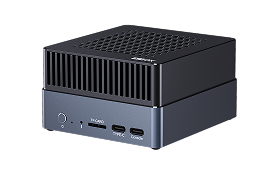
1. AI Tutorial
QCS8550 has Hexagon Digital Signal Processor (DSP), which contains Neural Processing Unit (NPU) for AI computing.
So in general, NPU and DSP both represent the same Hexagon chip.
1.1. Aidlux Introduction
Aidlux is a complete edge AI development tool suite, it can simplify the AI environment deployment in qualcomm platform, to help developers accelerate the deployment of AI applications.
We use docker to deploy Aidlux Web Desktop for AI develop.
AIBOX usually installed Aidlux Web Desktop by default, you can check with command:
docker ps -a

CONTAINER ID   IMAGE                    COMMAND                  CREATED         STATUS         PORTS     NAMES
xxxxxxxxxxxx   aidlux_lu_ubun2204:xxx   "/lib/systemd/systemd"   5 minutes ago   Up 5 minutes             aidlux
If there is a container names “aidlux”, means the Aidlux Web Desktop is ready.
Otherwise you need to install it.
1.2. Install Aidlux Web Desktop
Download archive form here, transfer it to the device, extract and run “setup.sh”:
# Extract
tar -zxf aidlux_docker.tgz

# Install
cd aidlux_docker
chmod + setup.sh
./setup.sh
It will take about 5 minutes, the container will start automatically after installation. And it will start at boot in the future.
1.3. Aidlux Web Desktop Usage
Device needs access to Internet throuth eth0. Run ifconfig eth0 to get ip address.
Open a browser on any computer within the local network, visit deviceIp:8000. For example 172.16.10.100:8000, you will see the Web Desktop.

The login password is aidlux.
The operation method of Aidlux Web Desktop is not much different from that of Linux desktop, you can use terminal and apps store, etc.
The default language may be Chinese, you can change to English in settings:
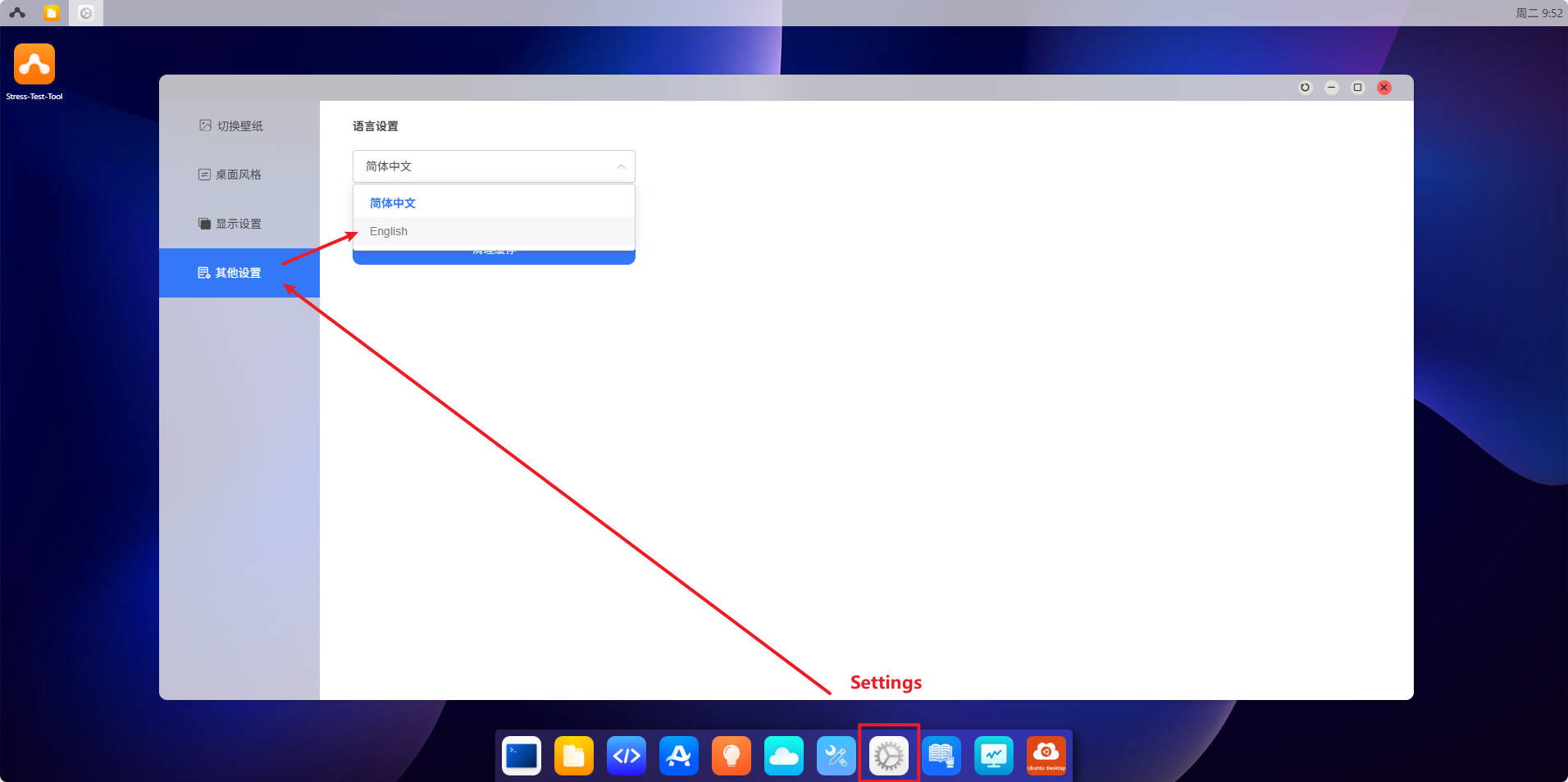
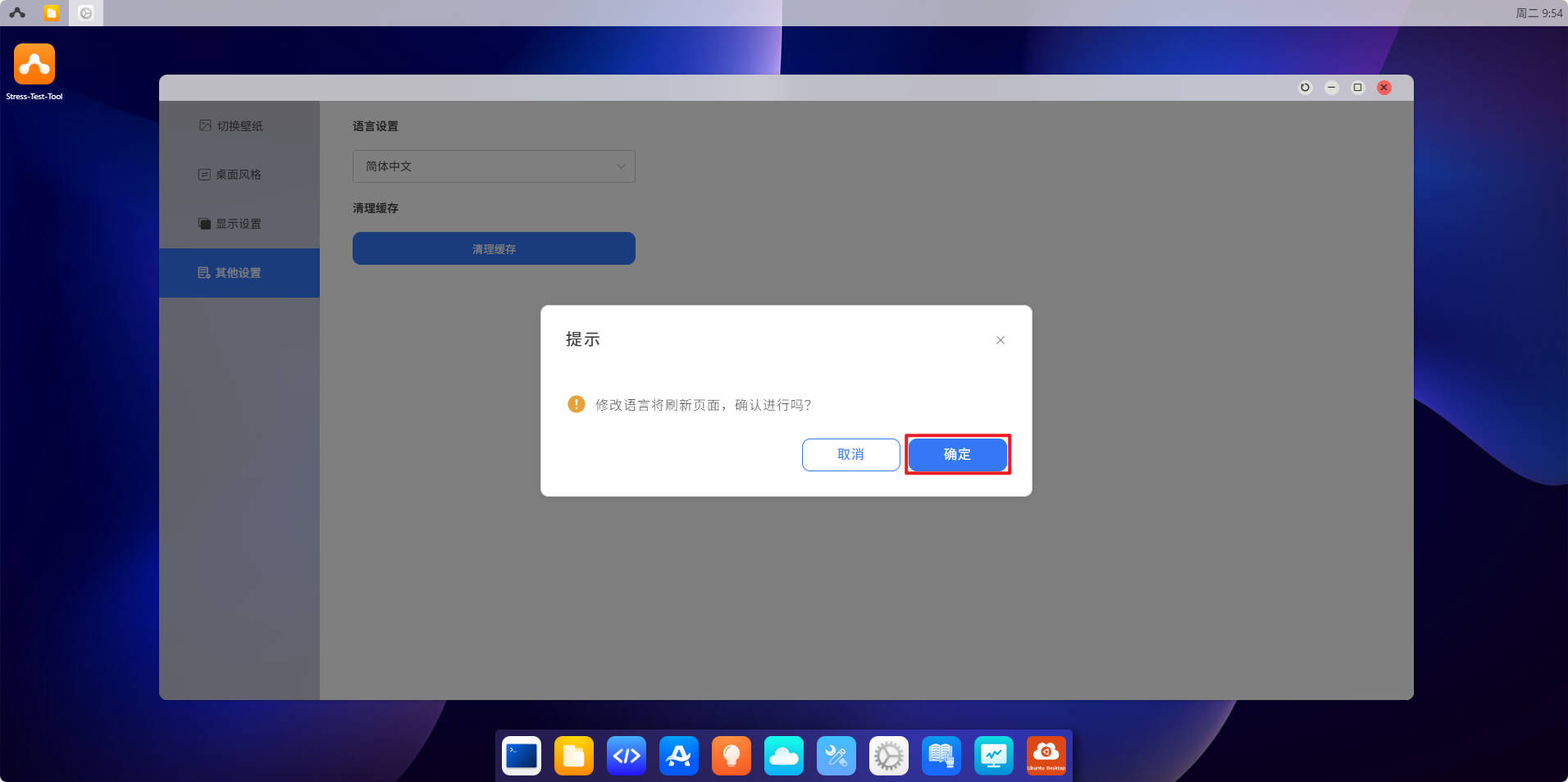
The following operations are performed in the Web Desktop:
1.4. AI Develop
1.4.1. Aidlite
Aidlite is a AI execution framework, designed to fully utilize the computing units (CPU, GPU, NPU) of edge devices to achieve accelerated AI model inference.
Open terminal, navigate to /usr/local/share/aidlite/examples, you can see some examples:
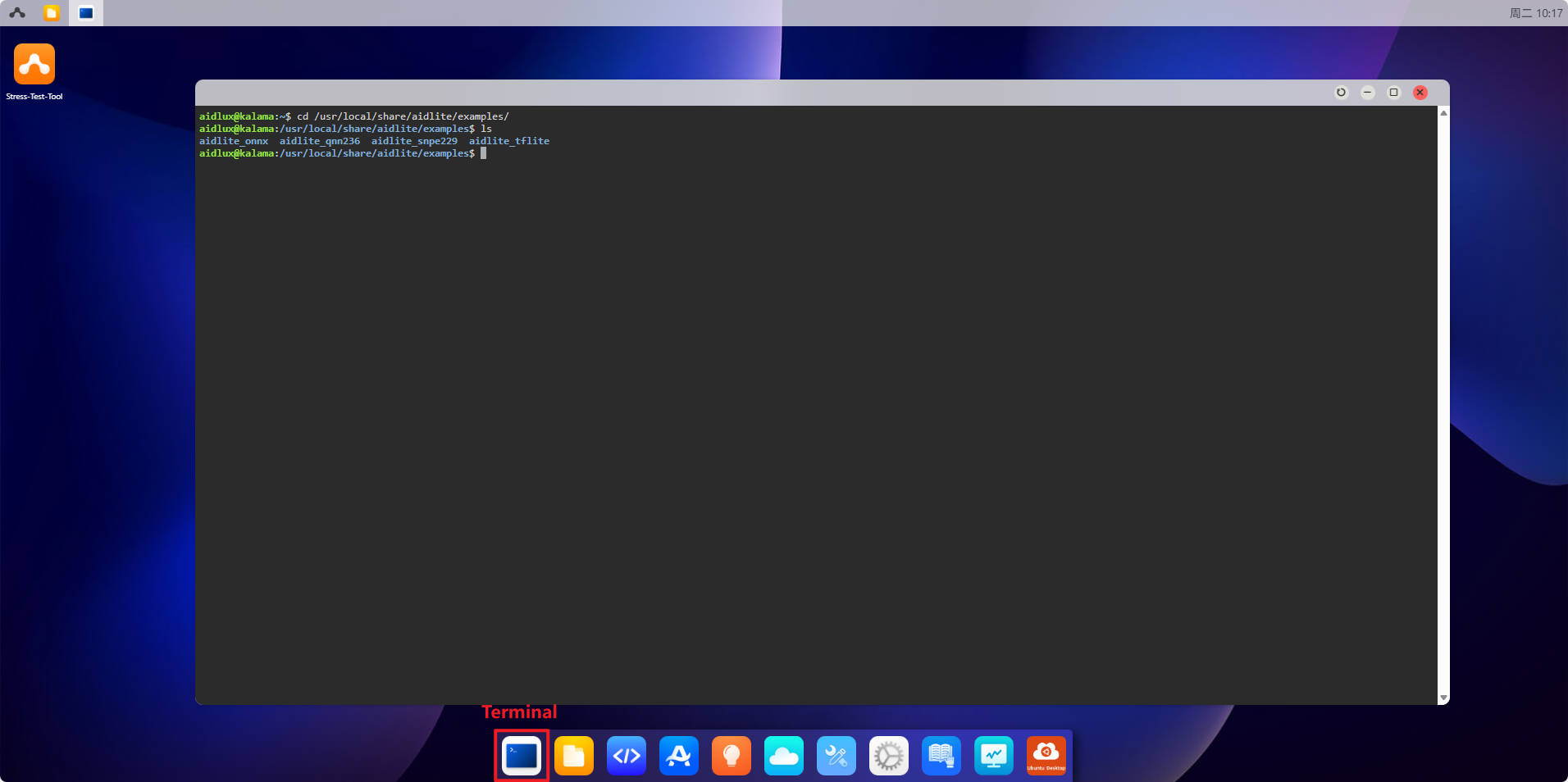
For example, we can try to run the python demo of aidlite_qnn236:
cd aidlite_qnn236/python/

# Run, the parameter "3" means using NPU(DSP) to accelerate. The sudo password is aidlux
sudo python qnn_yolov5_multi.py 3
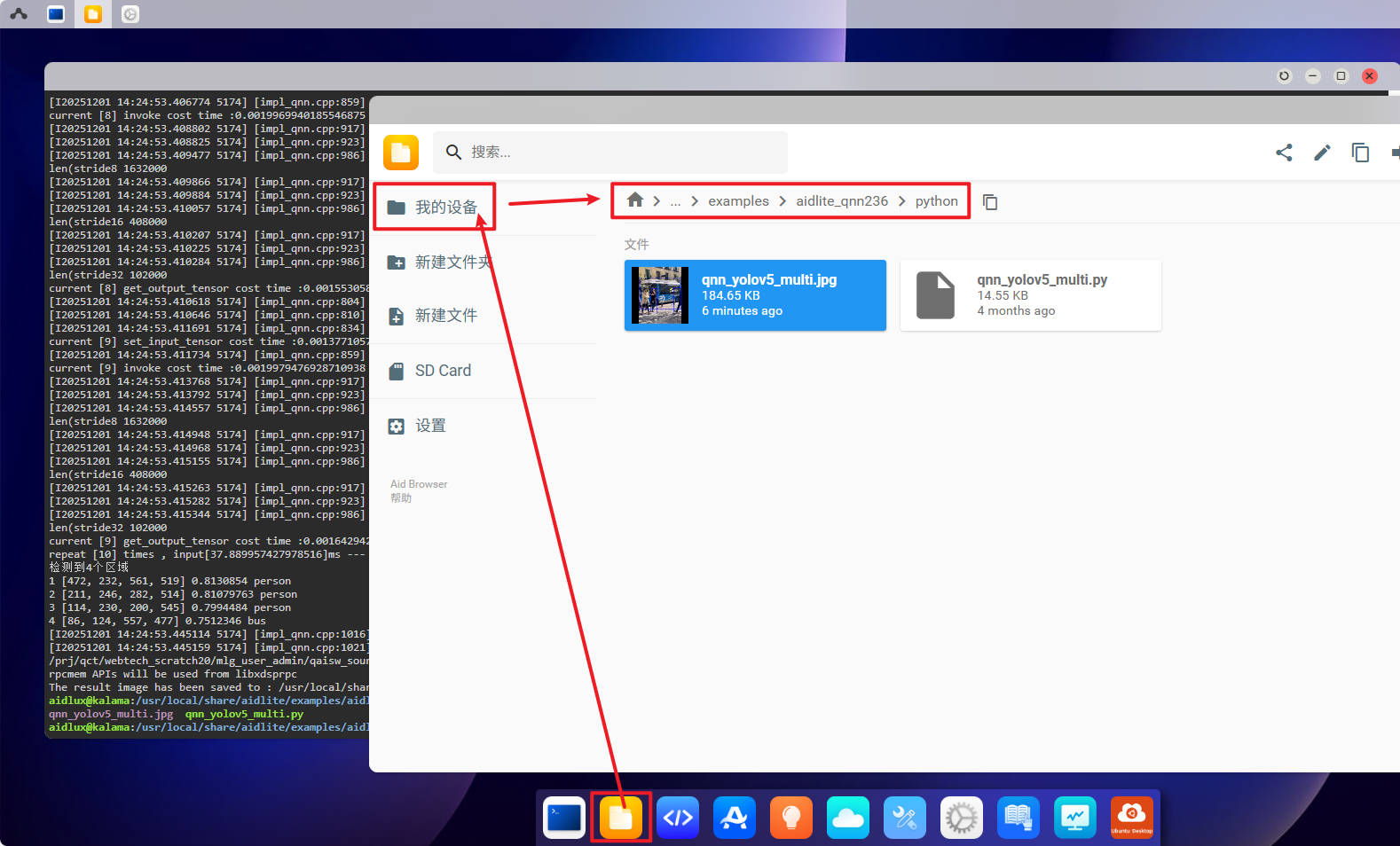
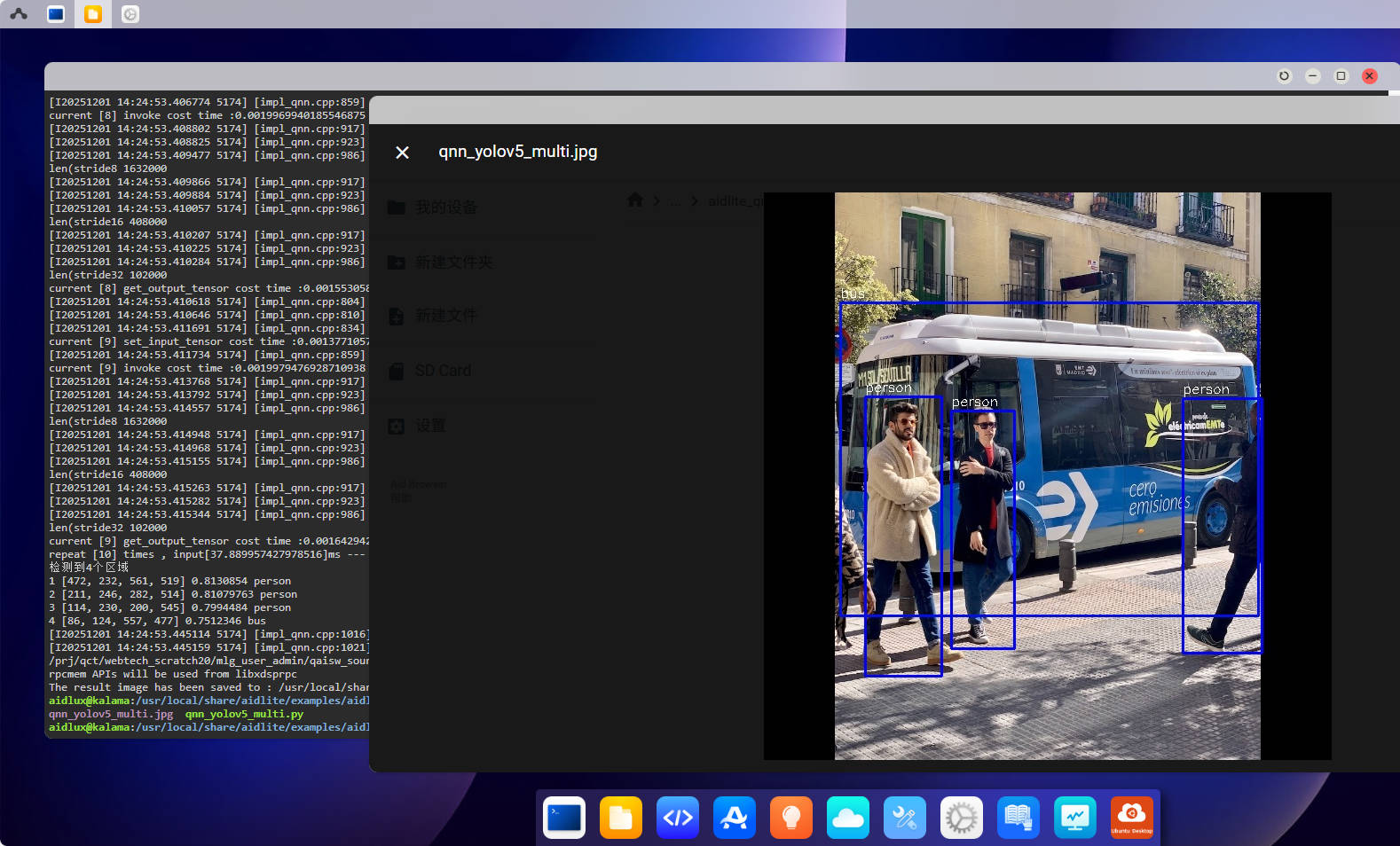
It will create an image qnn_yolov5_multi.jpg under current directory.
You can check the result image with File Browser.
1.4.2. AidGenSE
AidGenSE is a generative AI HTTP service adapts to the OpenAI HTTP protocol. Developers can call generative AI through HTTP and quickly integrate it into their applications.
First to check if a large model already exists:
# list downloaded model
aidllm list api

qwen2.5-3B-Instruct-8550
If it returns nothing or “command not found”, then need to install:
Installation
Install AidGenSE
sudo aid-pkg update
sudo aid-pkg -i aidgense
Install UI
sudo aidllm install ui
List available models:
aidllm remote-list api
Download model with Url, for example, aplux/qwen2.5-3B-Instruct-8550:
aidllm pull api aplux/qwen2.5-3B-Instruct-8550
Chat Demo
Start service after model download.
# start the api service
# aidllm start api -m <model_name>
aidllm start api -m qwen2.5-3B-Instruct-8550

# other commands
# check the api status
aidllm status api

# stop api service
aidllm stop api

# restart api service
aidllm restart api
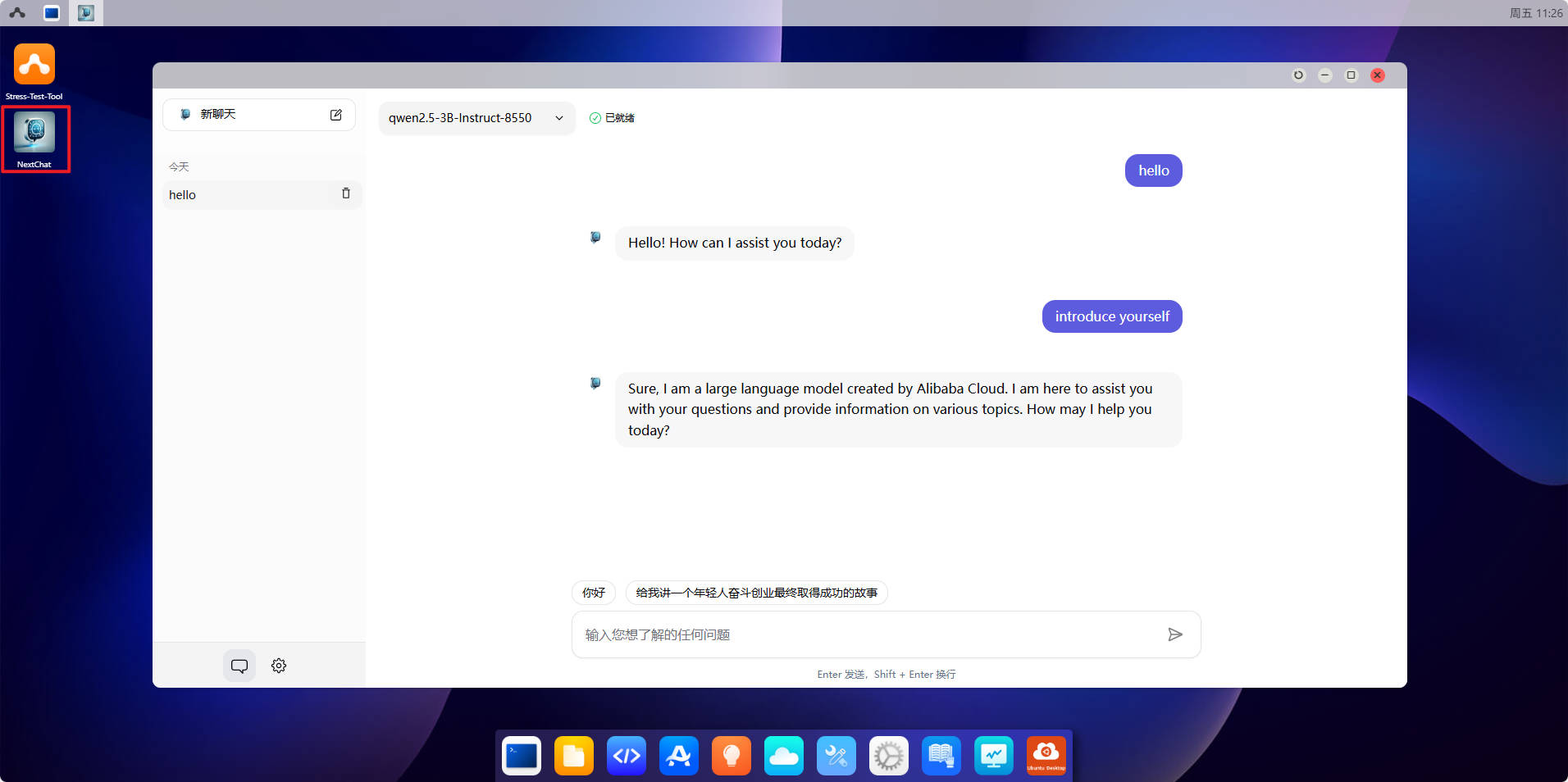
Once the service is successfully started, open NextChat on the desktop to start the conversation
1.5. Others Usage
1.5.1. File Transfer
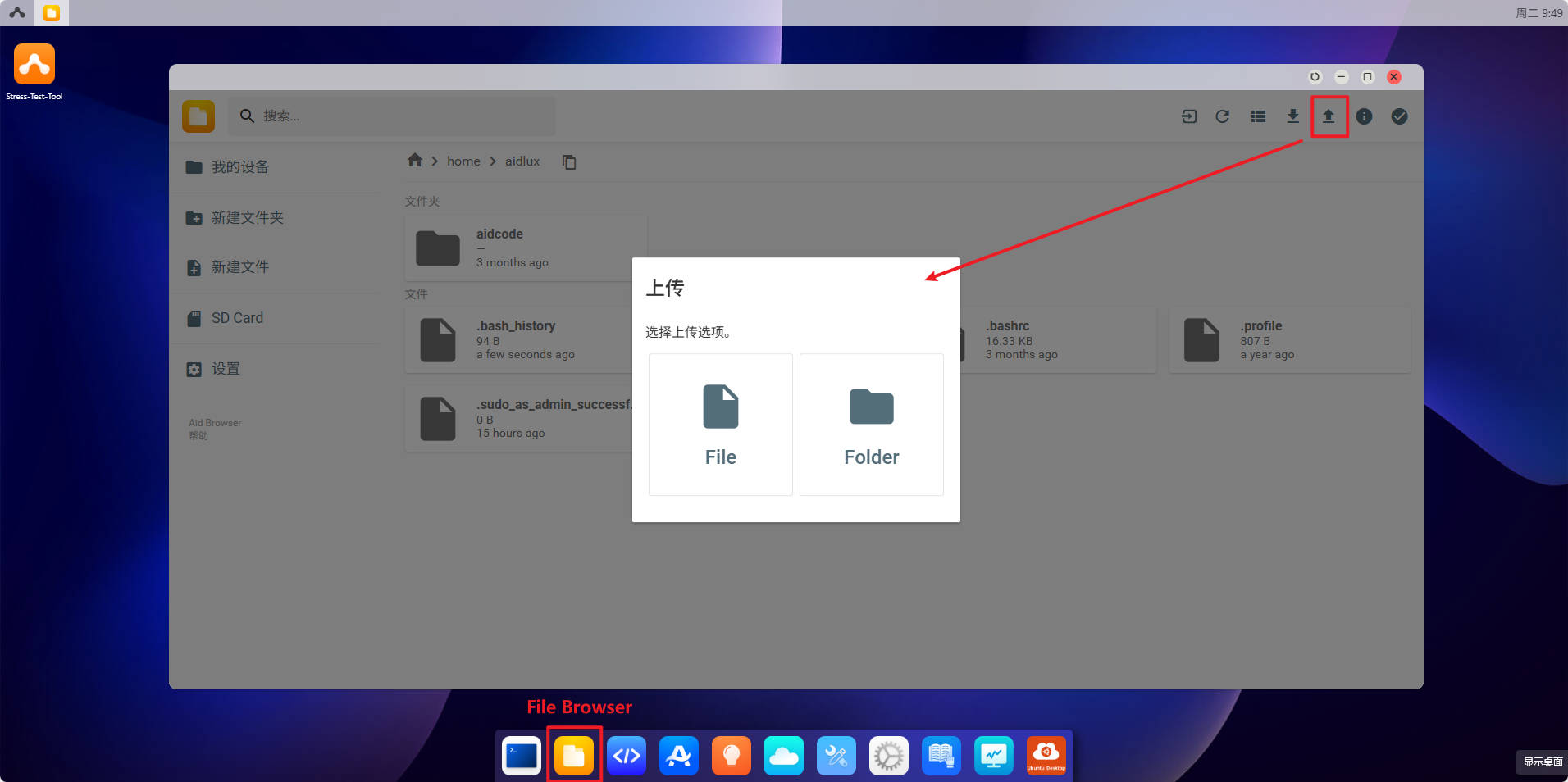
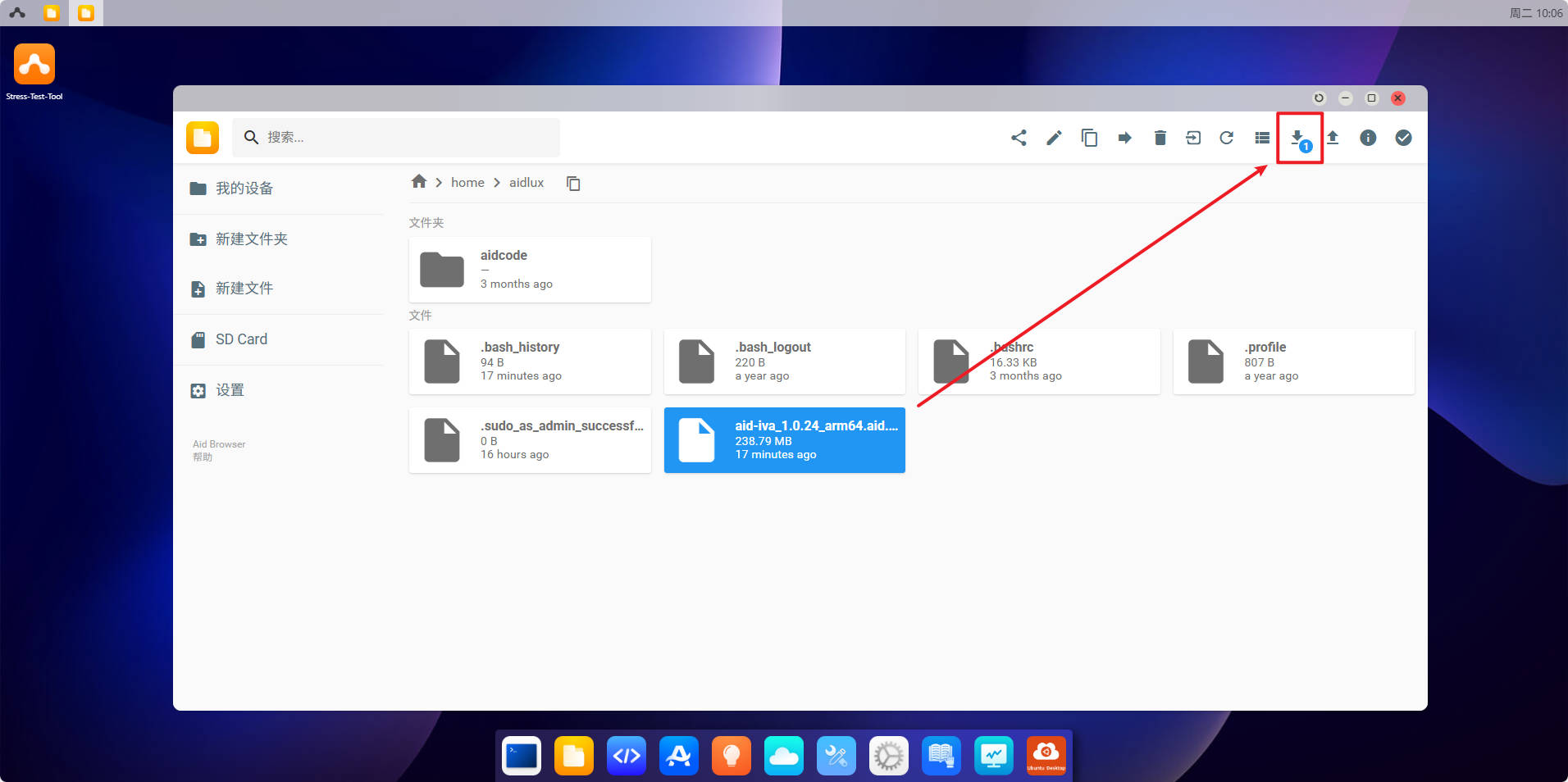
You can use File Browser to send file from PC to Web Desktop, or download file from Web Desktop to PC.
Open File Browser, it will navigate to /home/aidlux by default. Only this directory can receive files. Click the upload button at right top corner:
Select files/folder and click download button at right top corner to download:
1.5.2. More Tutorial
For more tutorial about AI development, you can visit Aidlux Doc Center.