2. Start
2.1. Power On
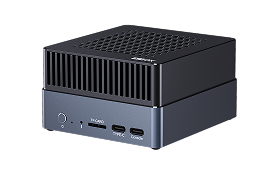
Connect the power supply. Few seconds later, the indicator led will on, then wait it to boot.
After the startup is completed, the screen will light up and display the Weston desktop.
2.2. System Info
Version: Ubuntu 22.04
Display Protocol: Wayland
Desktop: Weston
User: firefly
Password: firefly
Root Password: firefly