3. MaskRom mode
See startup mode for an introduction startup mode
MaskRom pattern is the last line of defense equipment burn out. Forced entry MaskRom involved hardware operation, have certain risk, so only in the equipment into the Loader mode, can try MaskRom mode.
Please read carefully and operate carefully!
The operation steps are as follows:
Disconnect the power supply to the device.
Press and hold the MASKROM button on the base plate.
Plug the device into the power supply and power it on.
At this point, the device should go into MaskRom mode.
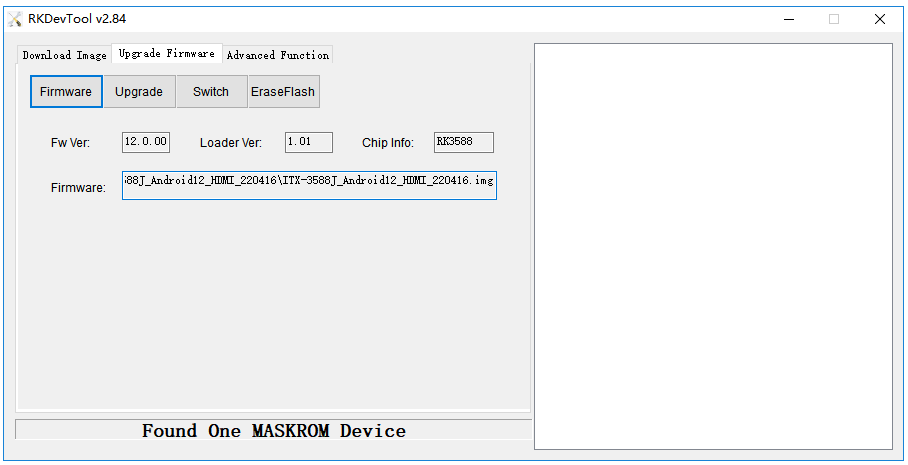
Note: If the Windows PC programming tool still doesn’t detect the MASKROM device after following the above steps, check if the Windows PC software driver is installed to the latest version.
Click: Driver Download
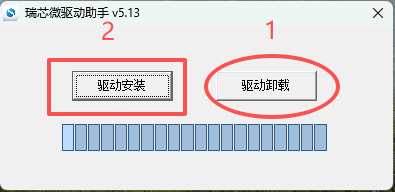
First, click 1 to uninstall the driver, then click 2 to install the driver. After installing the driver, follow the steps above in sequence. The Windows PC programming tool should then be able to recognize the MASKROM device.