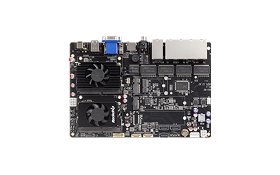
BUZZER
| ON | OFF |
|---|---|
| echo 1 > /sys/class/leds/beeper_led/brightness | echo 0 > /sys/class/leds/beeper_led/brightness |
LED
| ON | OFF | |
|---|---|---|
| POWER | echo 1 > /sys/class/leds/ext_pwr_led1/brightness | echo 0 > /sys/class/leds/ext_pwr_led1/brightness |
| STORAGE | echo 1 > /sys/class/leds/ext_sata_led2/brightness | echo 0 > /sys/class/leds/ext_sata_led2/brightness |
| NETWORK | echo 1 > /sys/class/leds/ext_net_led3/brightness | echo 0 > /sys/class/leds/ext_net_led3/brightness |
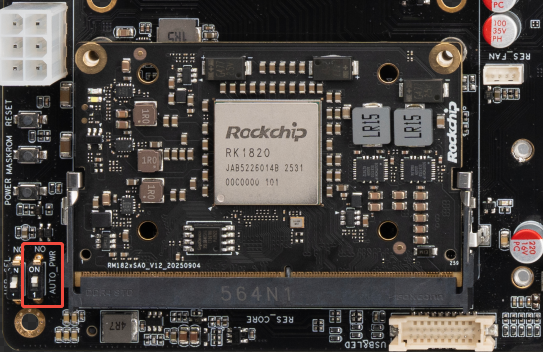
RK182X Voltage
set RES_VOL_SEL to ON
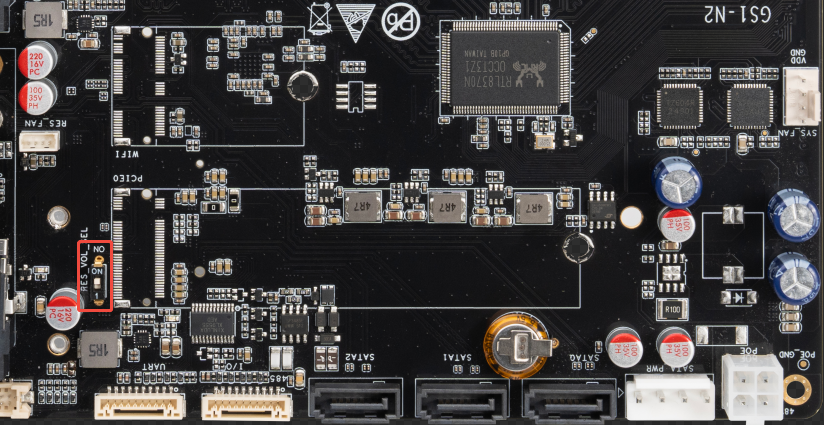
USB
host mode, set USB SEL to ON
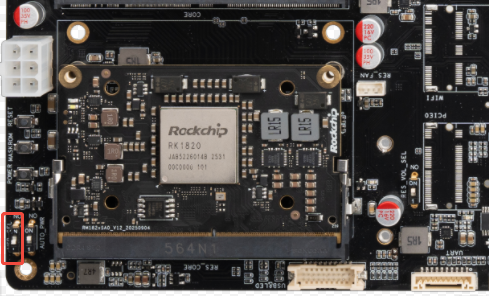
FAN
RK1820/RK1828 SODIMM Module
The thermal management strategy is the current strategy description, and there may be changes in the subsequent continuous application process, which will be continuously updated.
When the temperature exceeds 46 degrees, the fan will dissipate heat at different speeds. When the temperature exceeds 86 degrees, the frequency of NPU will decrease and computing power will also decrease. If the temperature continues to rise to 100 degrees, it will trigger a system restart.